Batch Edit photos
Starting with v1.23.0, you can copy one photo's Edits and then paste them to multiple other photos, known as Batch Edit. This feature requires iOS 17+.
Edits of photos you capture or edit using this version will be saved in the internal database. Edits include the filter, frame, aspect ratio (for captured photos only), and date stamp information.
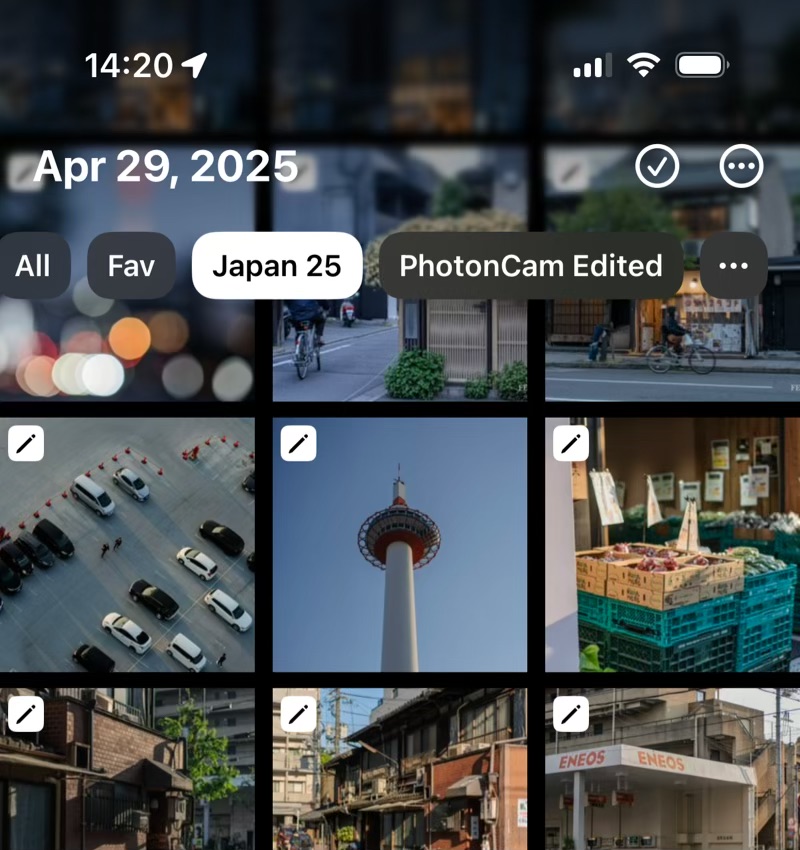
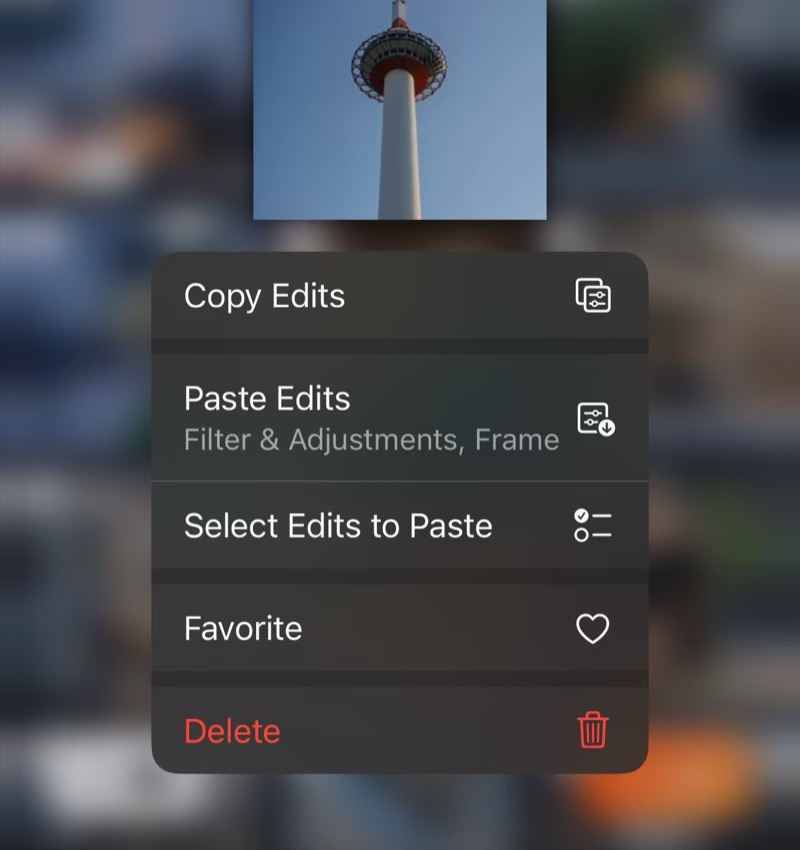
If a photo has saved Edits, a pencil icon will be displayed on the top-left corner of the photo grid in the gallery page. Long-press to copy photo Edits.
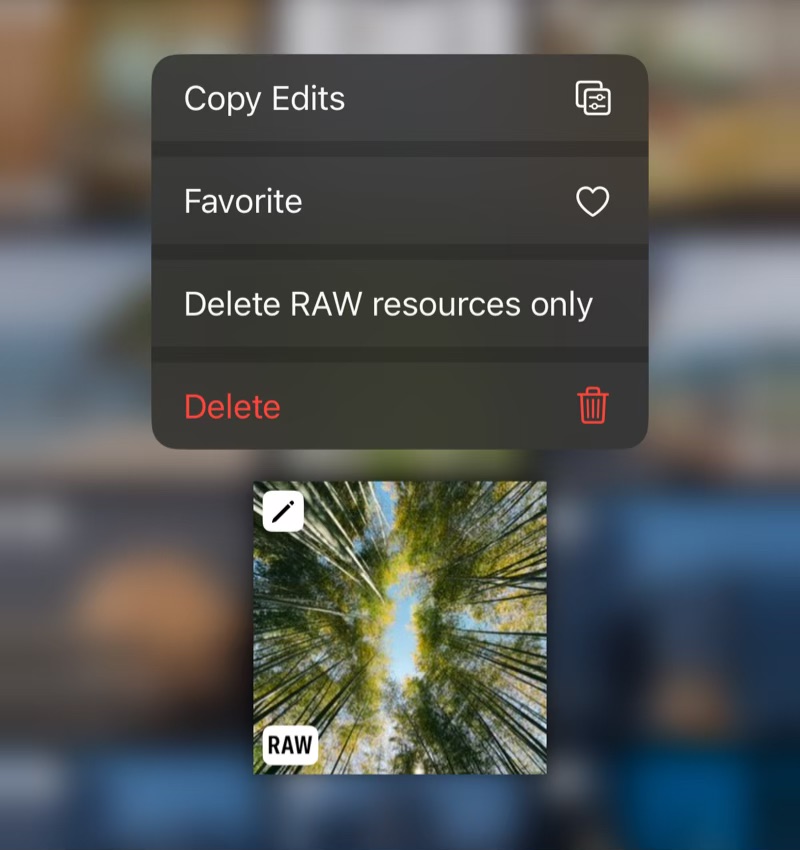
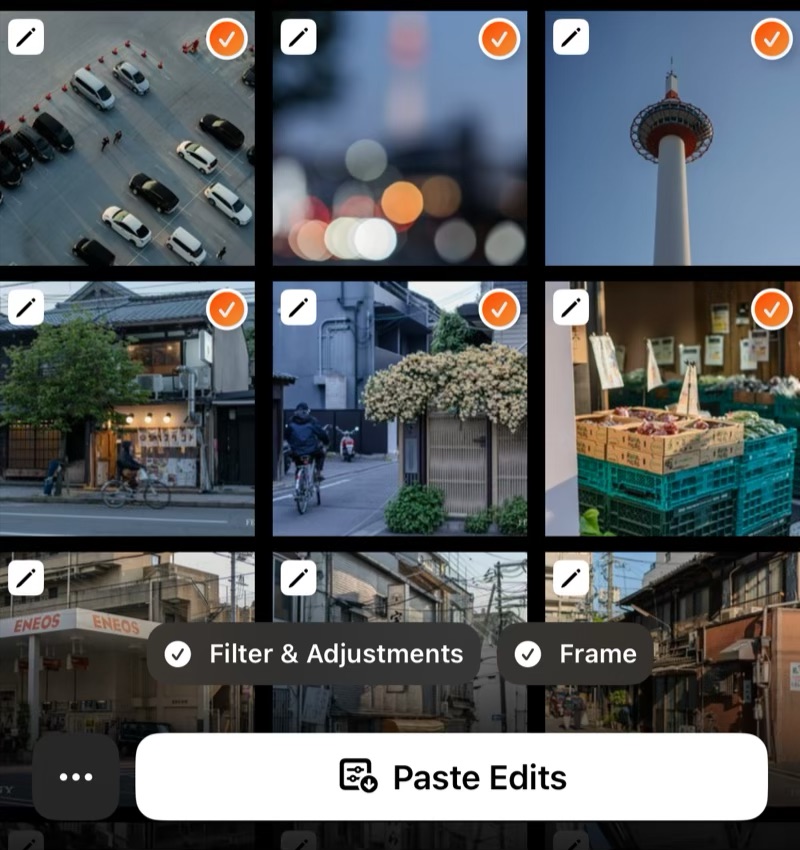
You can either long-press to paste photo Edits or enter the select mode to batch-paste photo Edits.
In select mode, you can choose which Edits you want to paste. For example, if you copy a photo's Edits containing Filter, Frame and DateStamp, you can choose to paste Filter only.
Notes:
-
Pasting Edits to photos will save an “Edited” version of the photo. You can revert it back to the original in PhotonCam or the iOS Photos app’s editor.
-
For Live Photos, pasting edits will only apply to the still image, and live video will be discarded. You can revert it back as a Live Photo in the iOS Photos app.
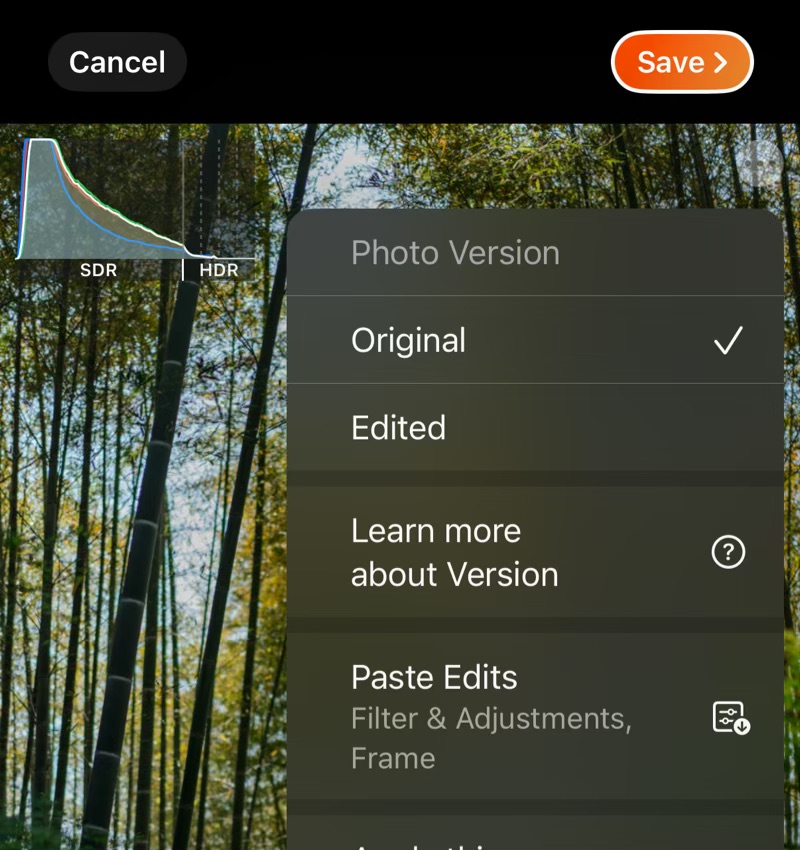
You can also paste Edits associated with this photo in PhotonCam’s editor. This feature can be accessed via the “…” menu in the editor. It helps you restore the Edits when editing the “Original” version of the photo.
If you organize photos into different albums in the iOS Photos app, now PhotonCam can help you pin those albums in the app to find photos quickly. Tap the "..." button at the end of the album list to select albums to pin.