 Download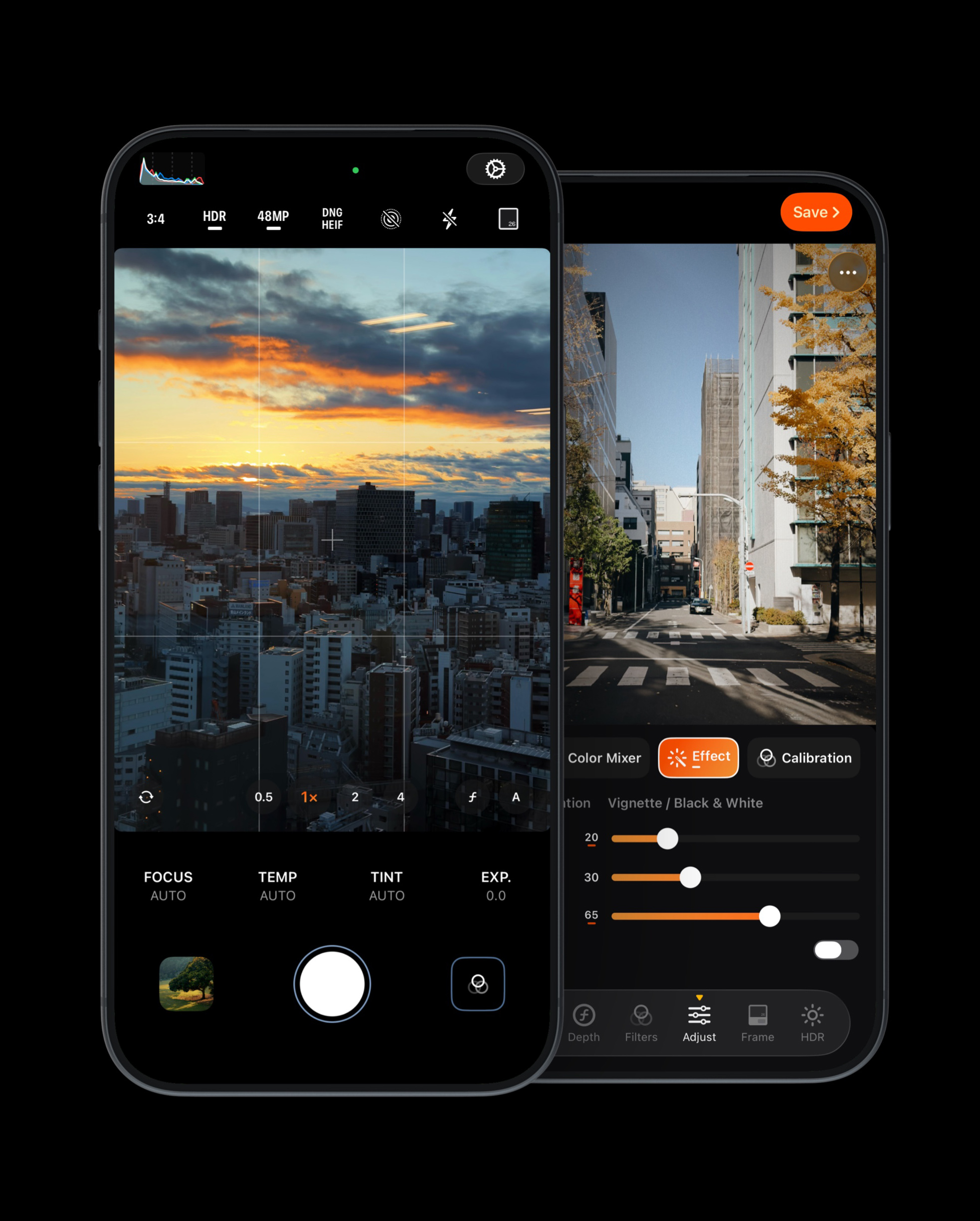
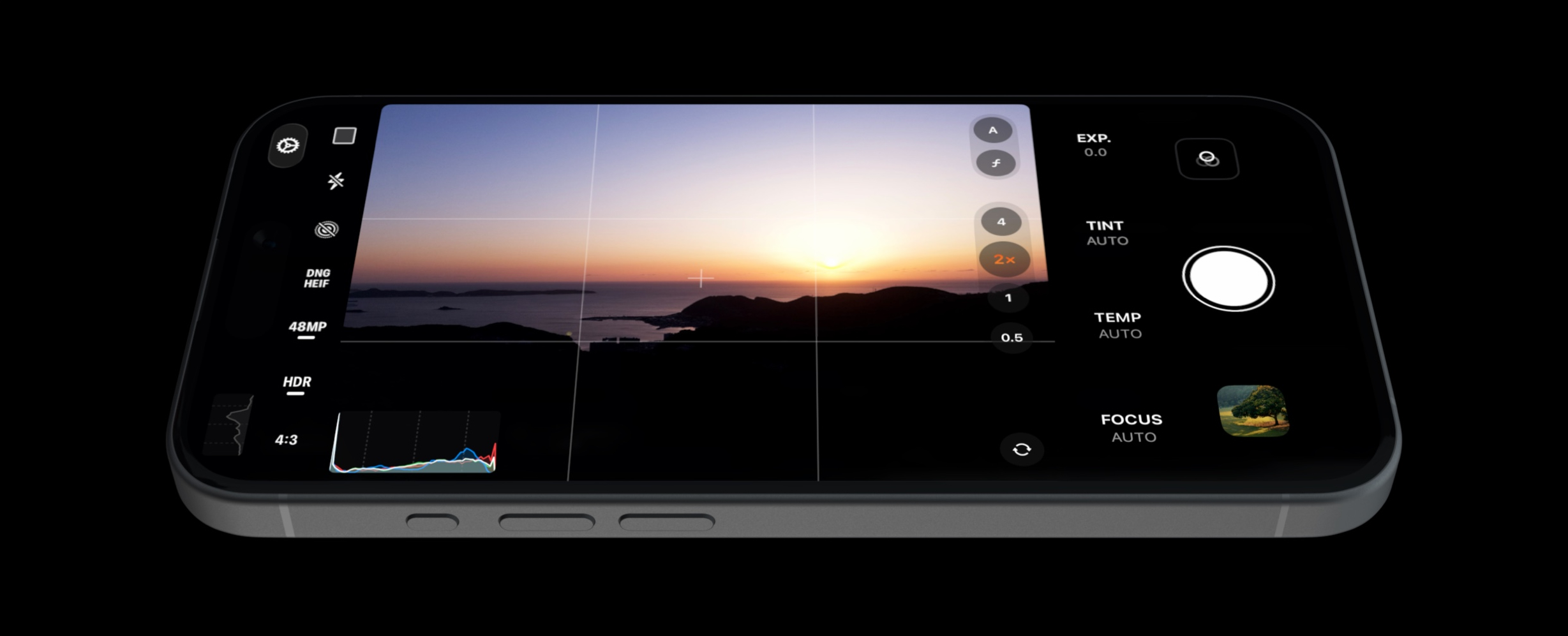
A Pro and Elegant Camera
Capture stunning ProRAW photos with the ability to prevent over-processing. Discover Live Photo, Portrait Mode, HDR, Manual Control, and more in a user-friendly app with a great design. Customize your own Filters, Aspect Ratios, Frames, and more to make the app truly yours.
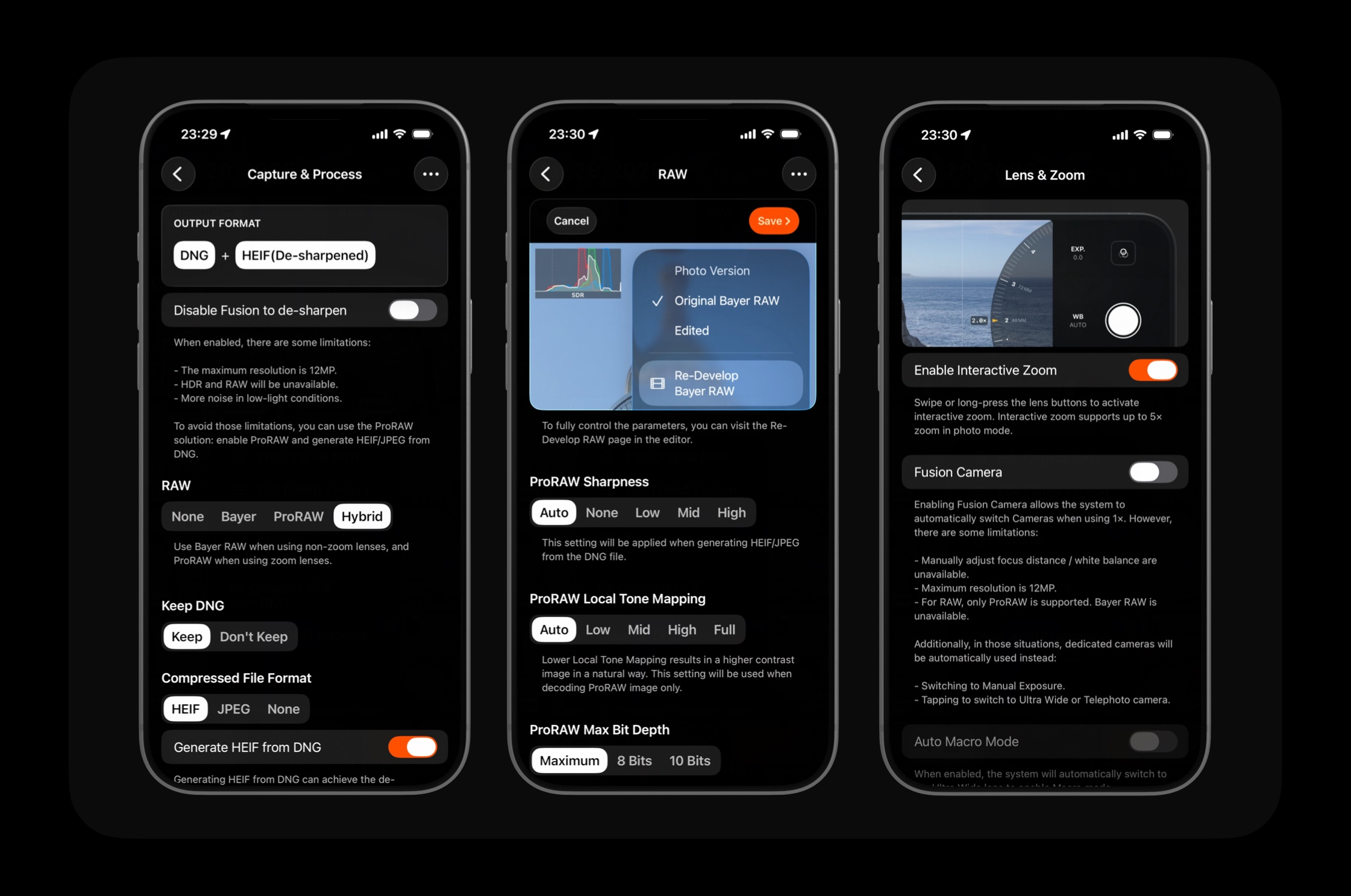
Fine-Grained Control Over Your Camera Settings
From the RAW format to how the RAW is developed, PhotonCam gives you everything you need to capture the perfect shot. Don't like the over-sharpening effect introduced by the stock camera? No worries, PhotonCam has you covered.
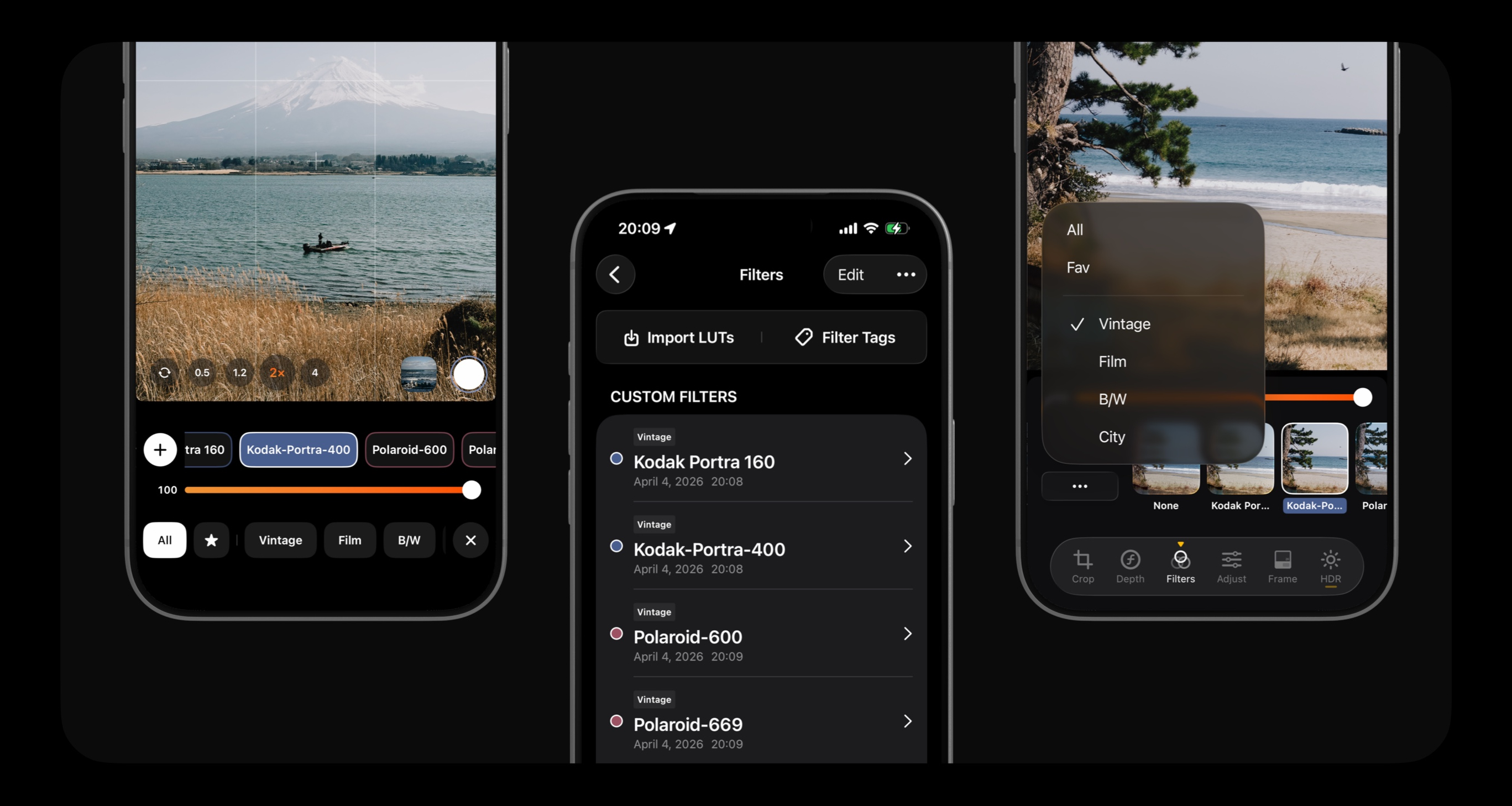
Build your filters library
Import CUBE/HALD or use the built-in tools to create your own filters. Catagorize them by Filter Tags to easily find them while in capturing or editing. PhotonCam also supports applying LUTs developed based on the LOG transfer function.
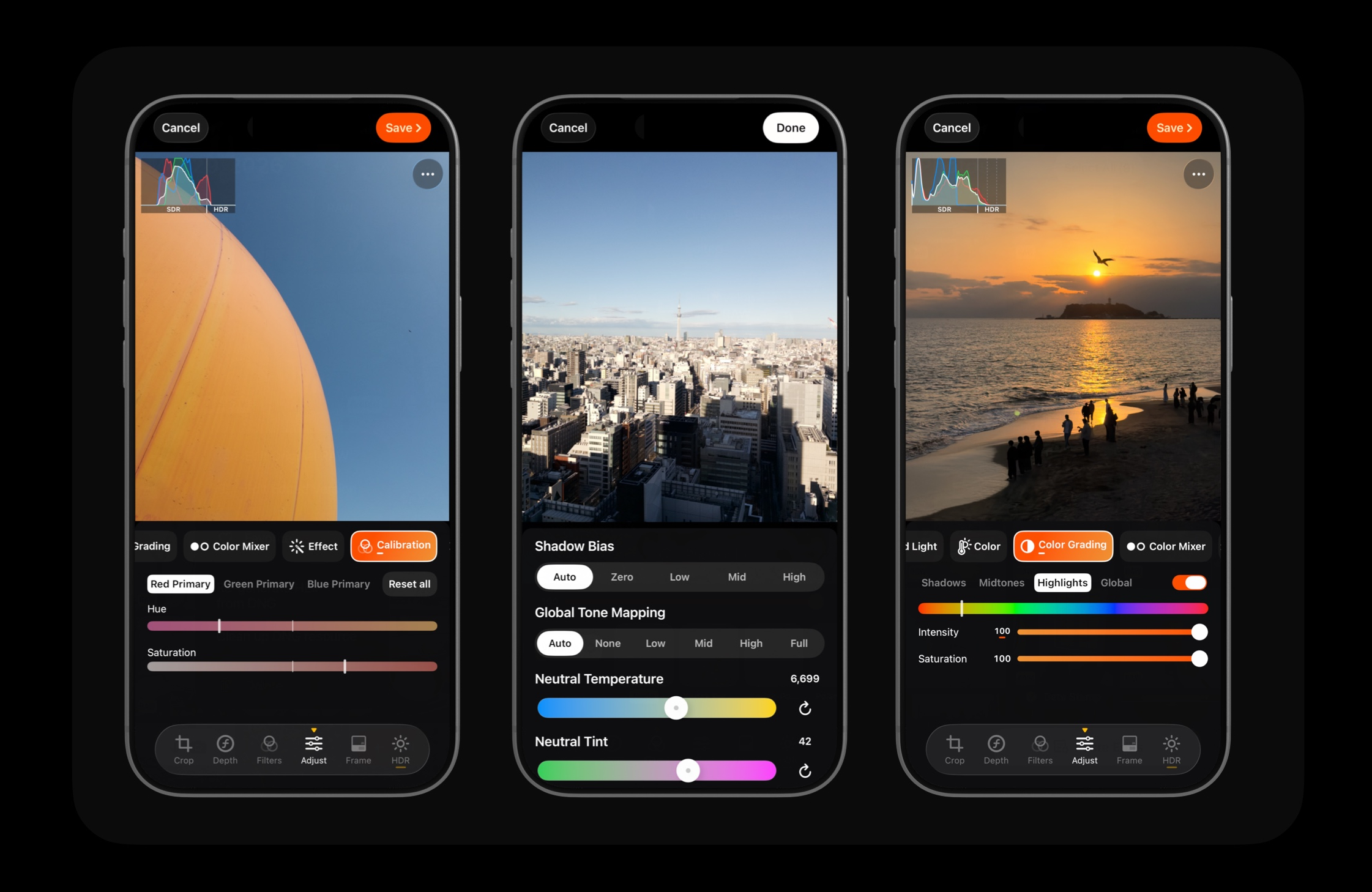
Pro Level Editing
From RAW development to retouching, PhotonCam's editor provides a comprehensive set of tools for all your editing needs. The intuitive interface allows you to easily adjust exposure, contrast, color-gradings, calibration and more to create stunning photos.
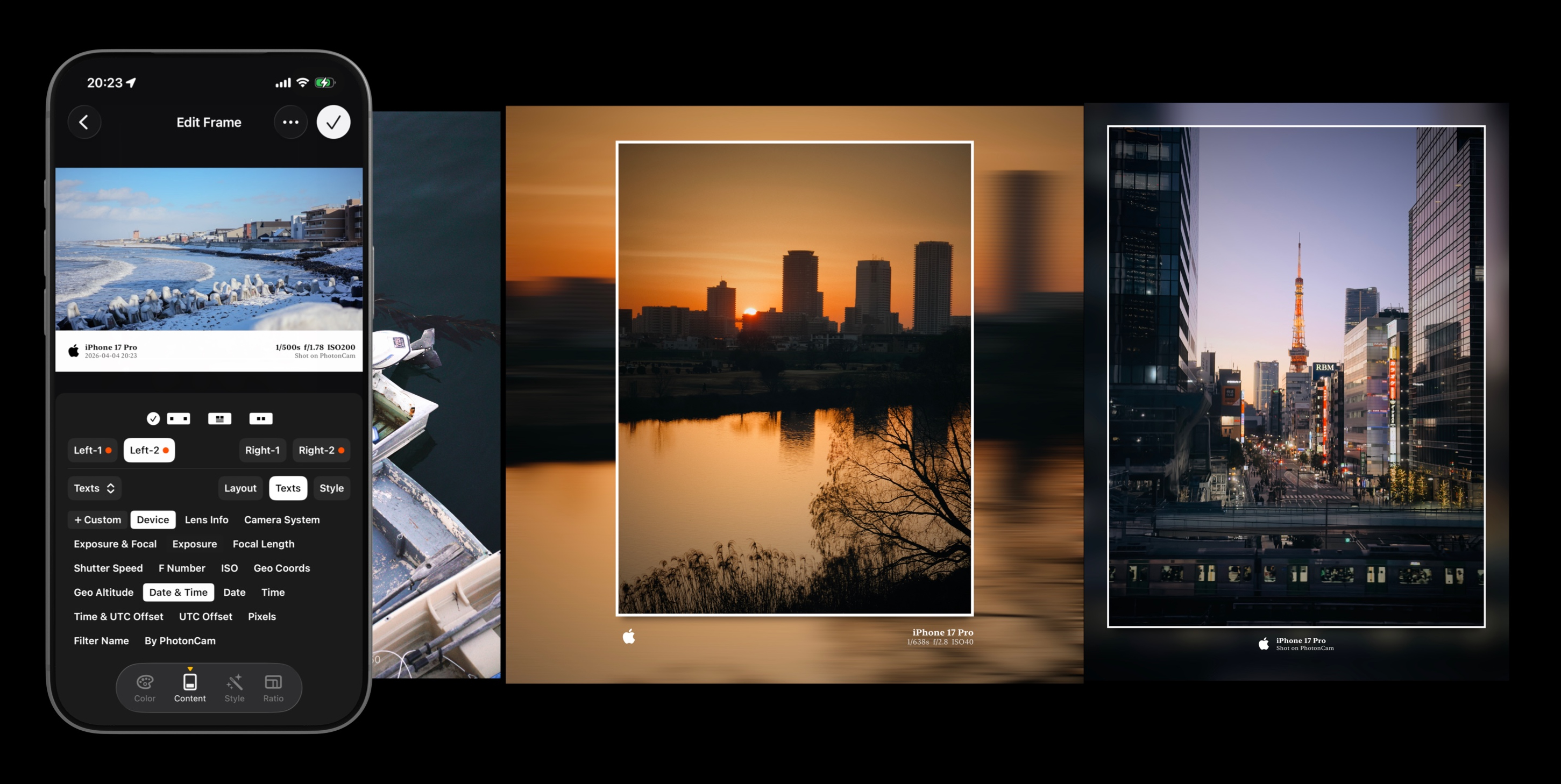
Frame Workshop
Design your own Frames with built-in tools to create a unique look for your photos. You can change the colors, text layout and more. Then, you can capture photos with the Frames or apply them to your photos in the editor.
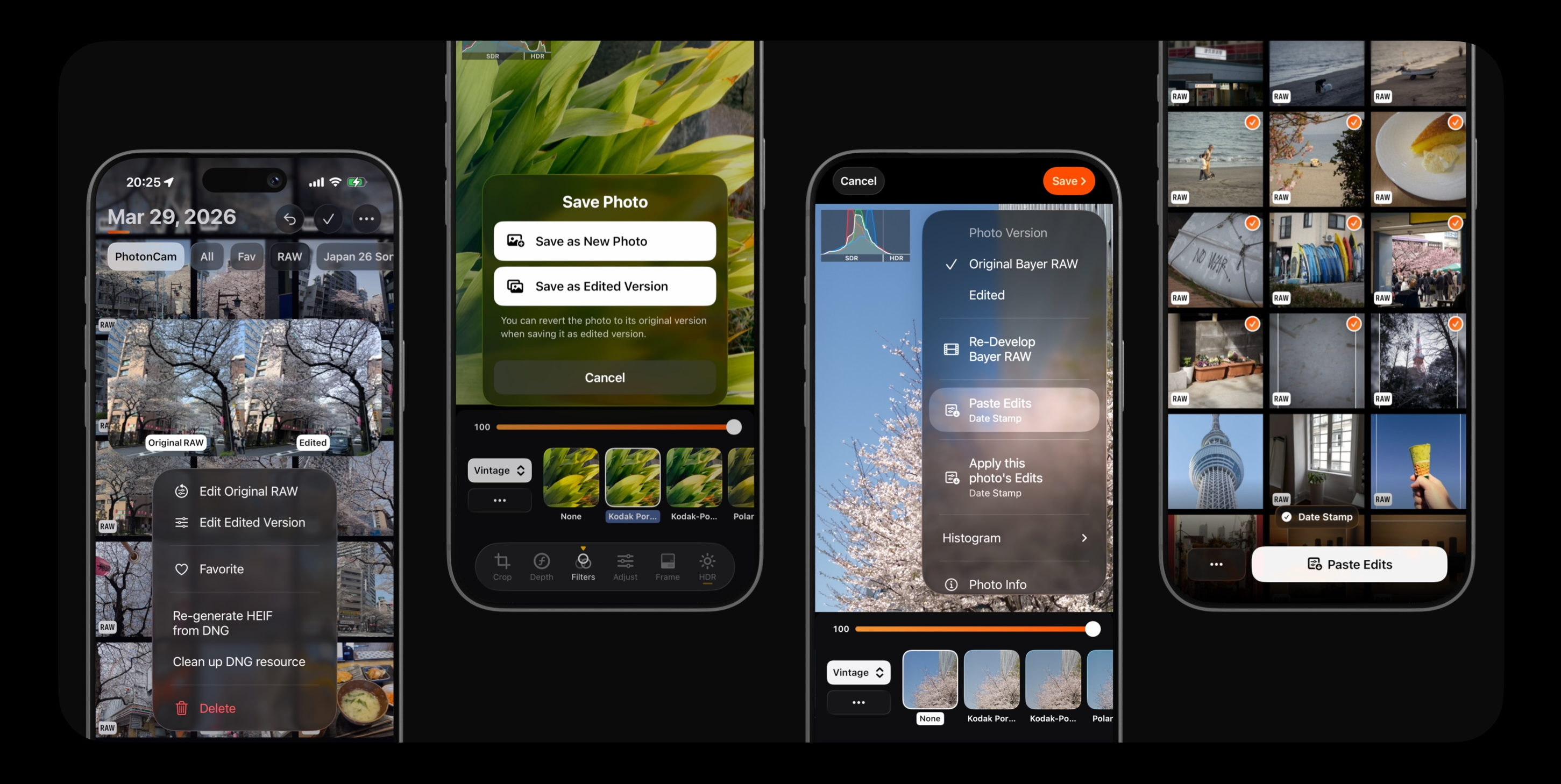
Non-Destructive Editing
Just like the iOS Photos app, edits can be saved in a non-destructive format — no duplicate photos are added to your library, and you can always revert to the original. It's also easier than ever to copy and paste edits across multiple photos at once.
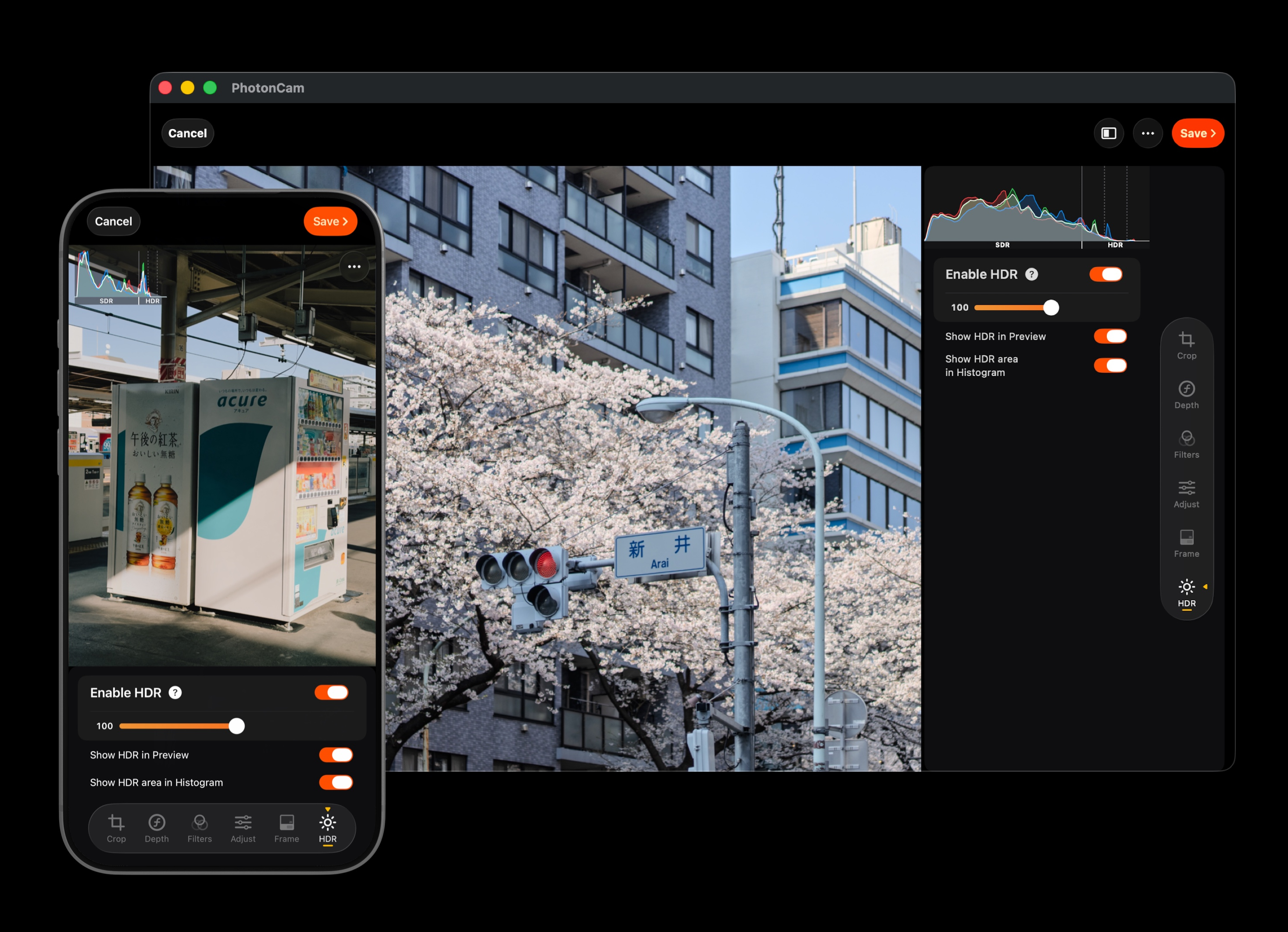
Bring HDR to Your Photos
Capture, view and edit HDR photos with ease. PhotonCam utilizes the Apple Gain Map technology to provide the best HDR experience on both SDR and HDR compatible devices and apps. iPad version has also been optimized for bigger screen and can also provide better HDR experience on XDR display.
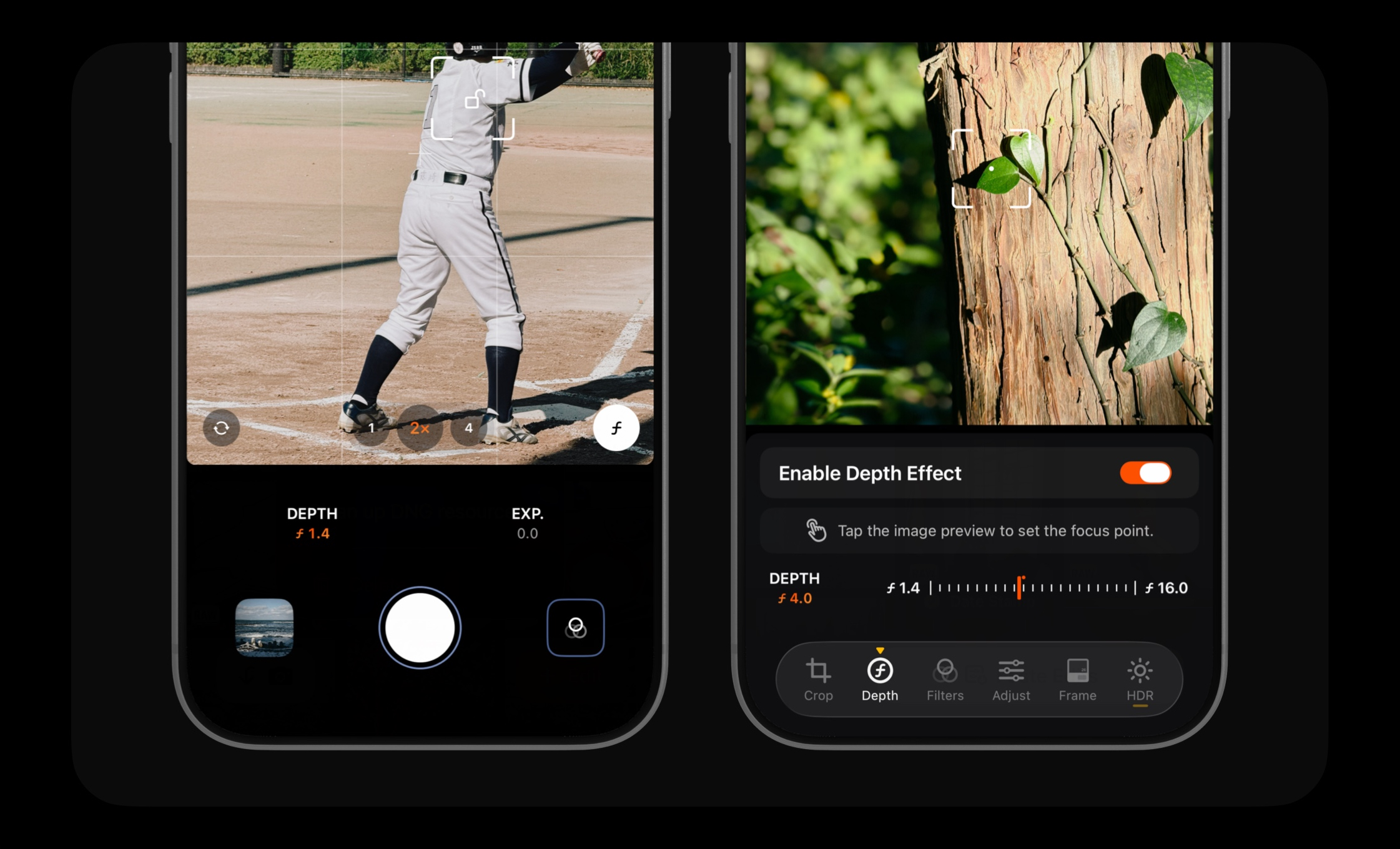
Portrait & Depth Effects
Capture stunning portrait photos with native Portrait Mode, or let PhotonCam simulate a beautiful depth-of-field effect on any photo — even ones taken with a regular lens. Fine-tune the blur intensity and focus point to get exactly the look you want.
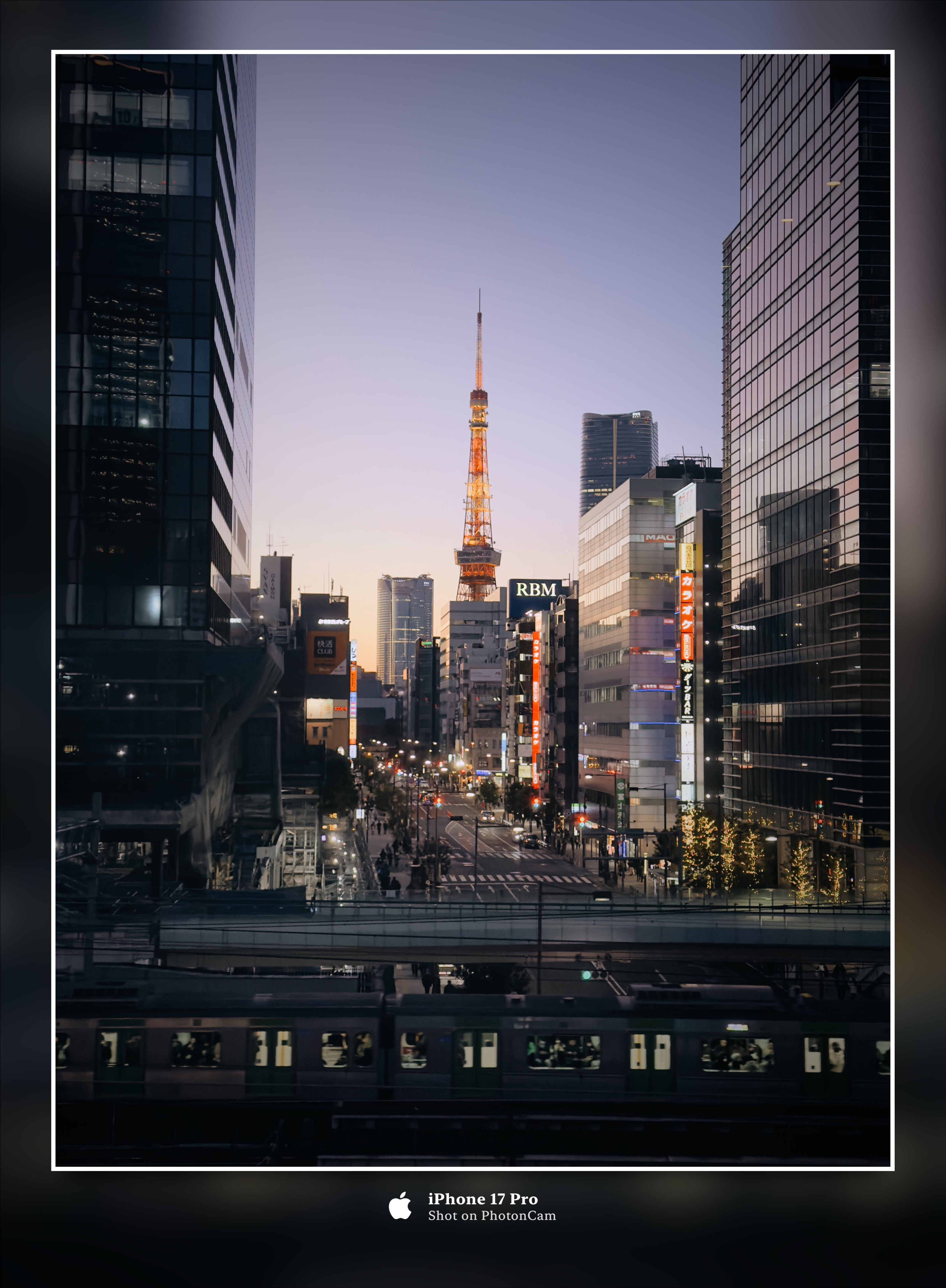
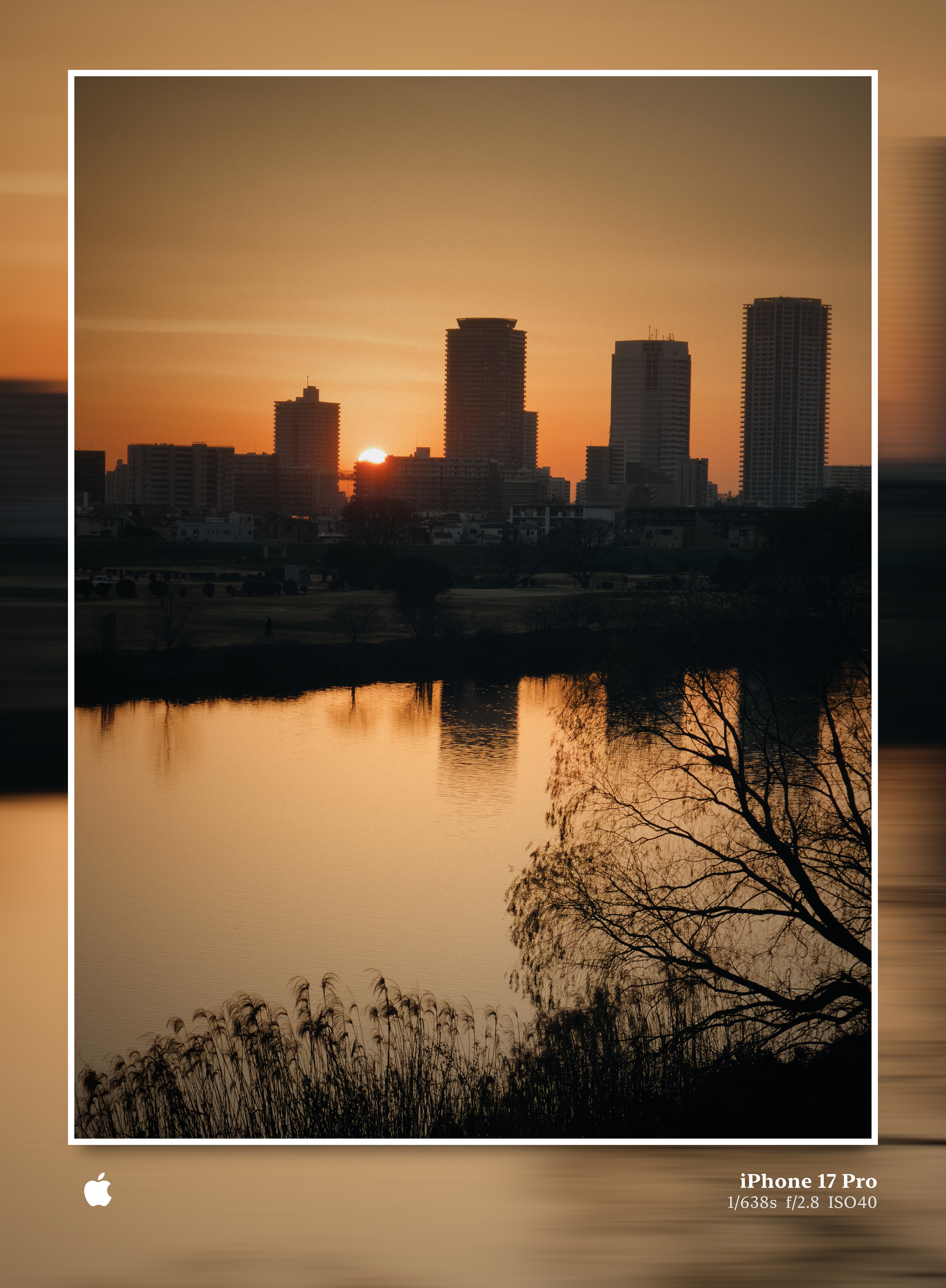
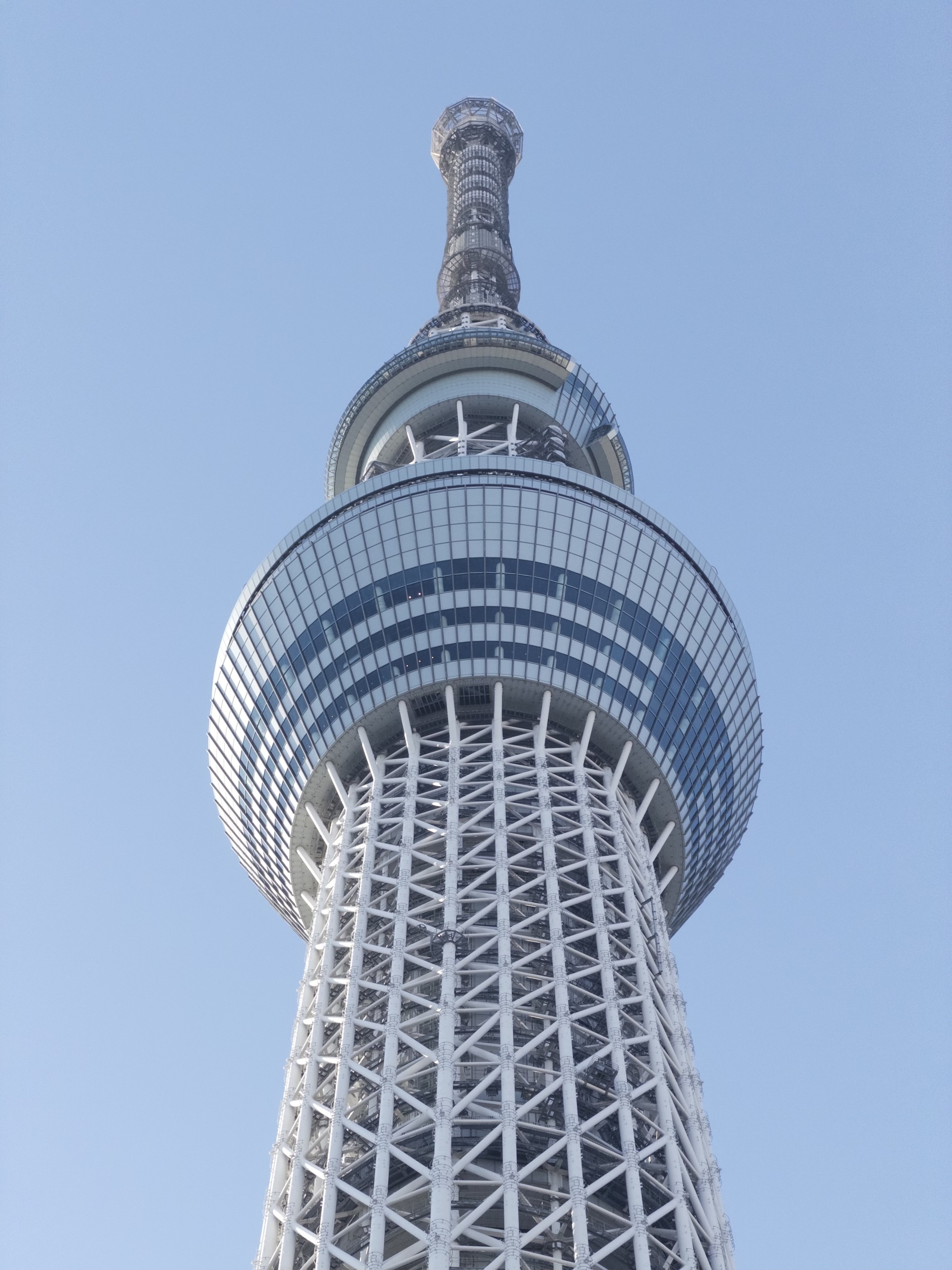

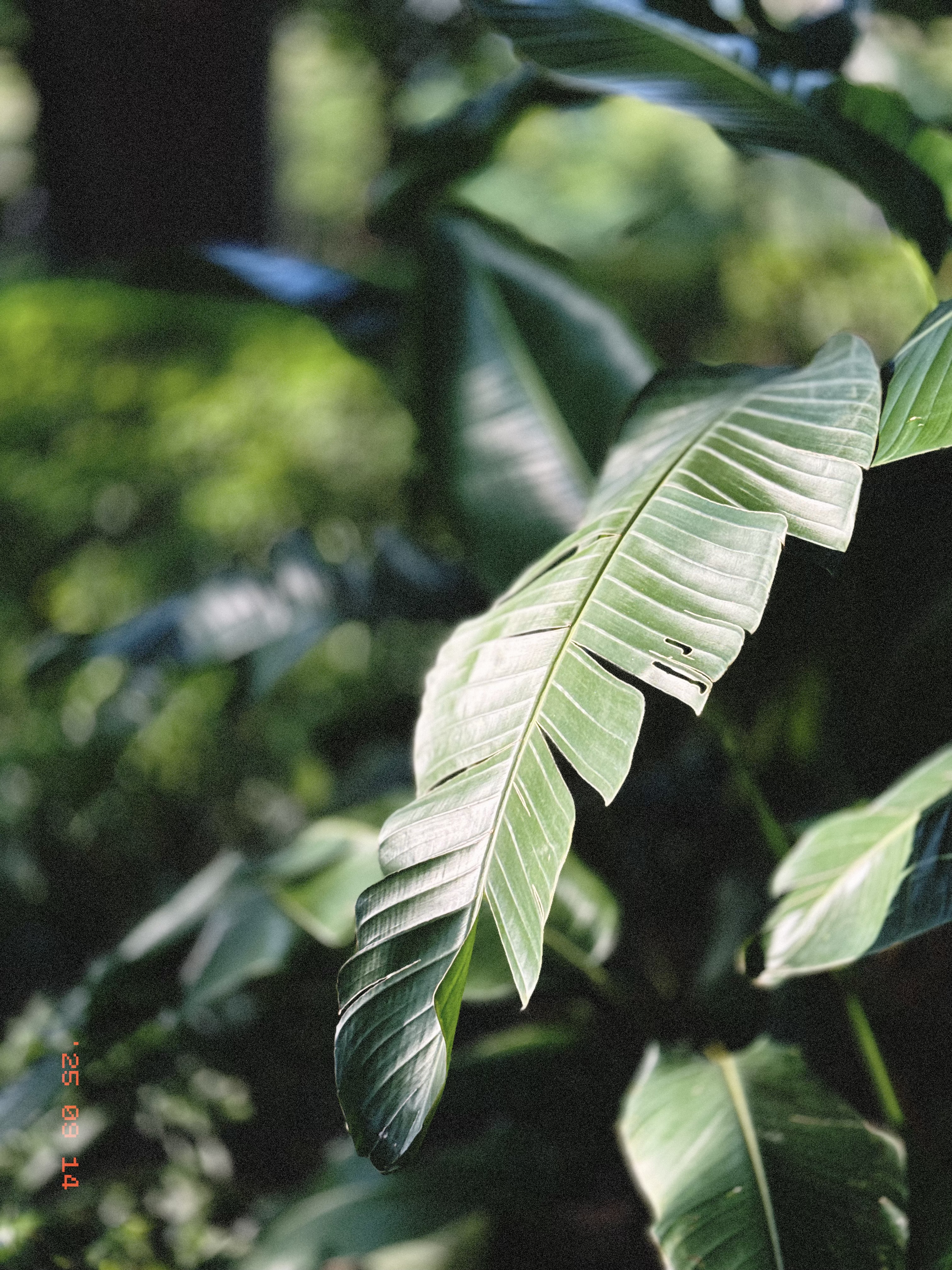
Captured by PhotonCam
Every photo here is captured and edited with PhotonCam — by me, its developer. Shooting with my own app gives me a firsthand perspective on what works and what can be better, turning each photo into a chance to improve PhotonCam.
More Photos